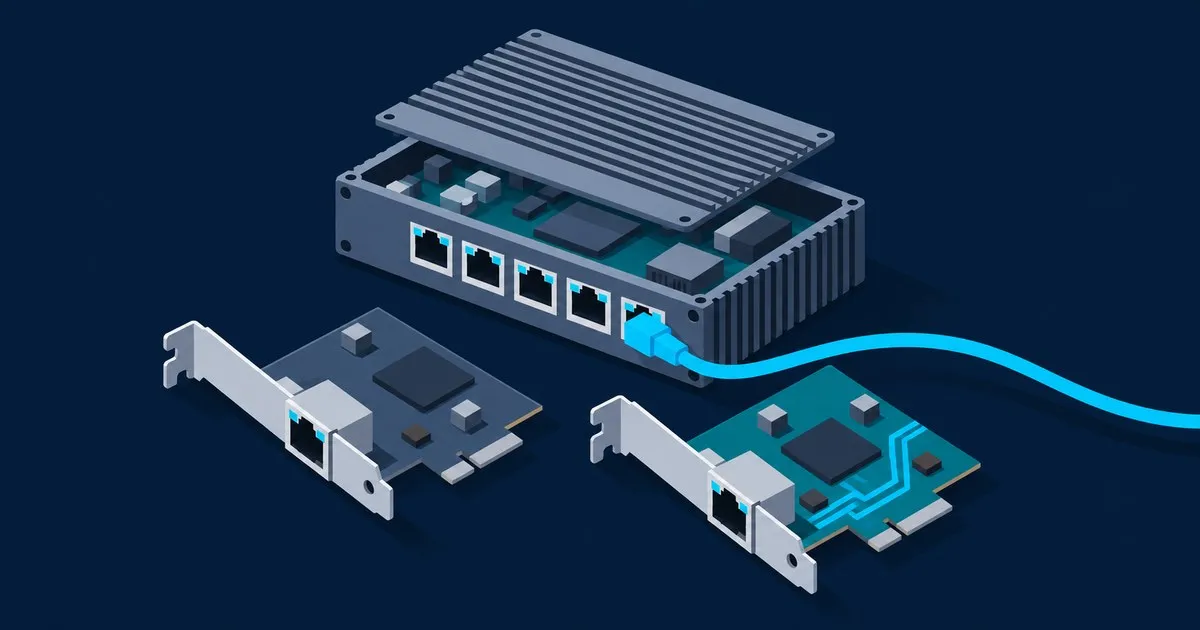
hardware
Realtek 2.5GbE Driver on OPNsense Explained: re vs rge
OPNsense 26.7 still can't see an RTL8125 without the os-realtek-re vendor plugin. What re, realtek-re-kmod an…
How to spec an Intel N100 firewall: i226 vs Realtek NICs, realistic OPNsense and pfSense throughput, RAM and storage sizing, and real power draw.
how to build an N100 firewallOPNsense 26.7 still can't see an RTL8125 without the os-realtek-re vendor plugin. What re, realtek-re-kmod an…
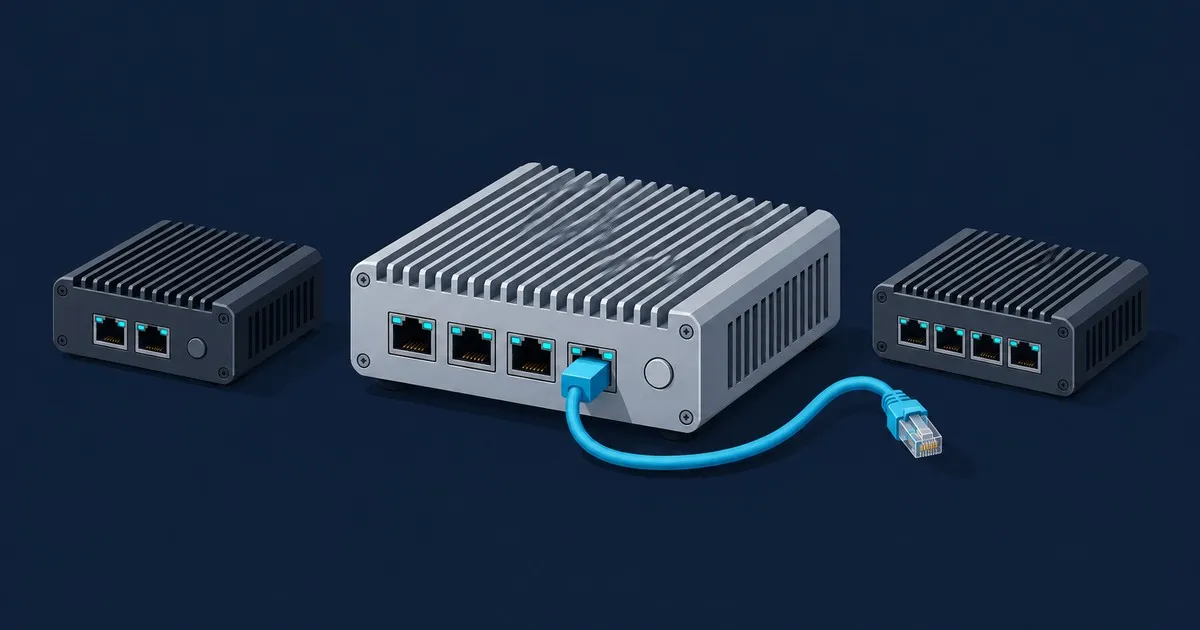
Choose a fanless N100 mini PC for OPNsense by Intel NICs, RAM, SSD and passive cooling, with a CWWK option an…
Compare OPNsense vs pfSense on an N100 by NIC support, throughput limits, IPS memory needs and power settings…
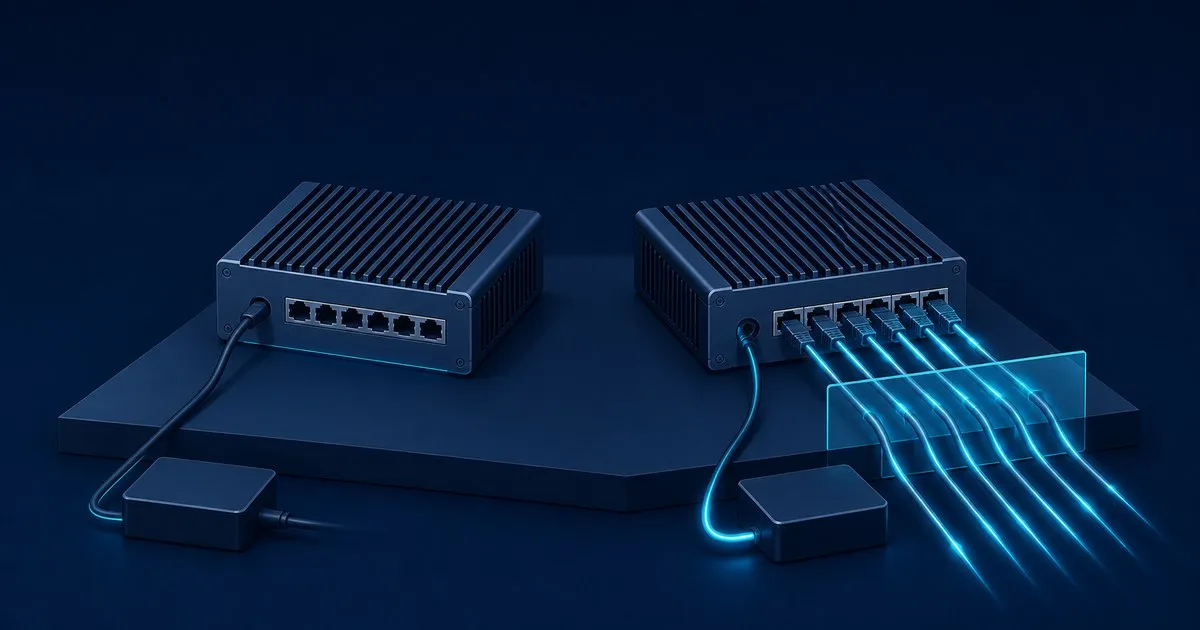
A four-port N100 firewall draws 10.5 to 12 W idle and 22 to 23 W loaded at the wall. See where each watt goes…
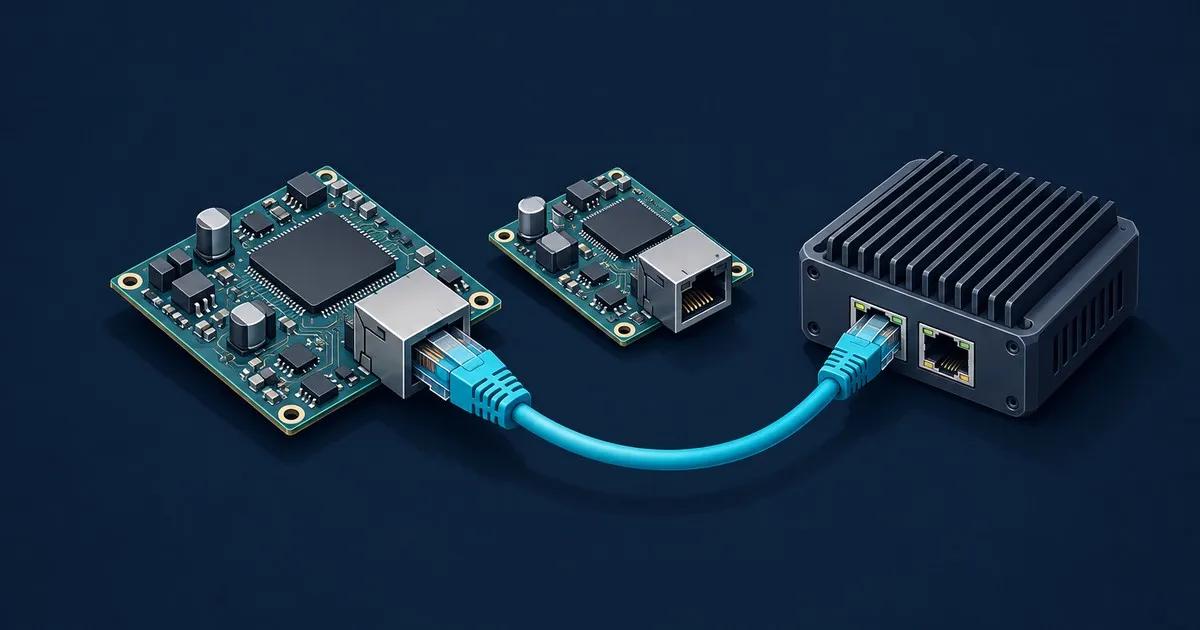
Intel I226-V specs from the datasheet: 1.3 W vs the I225-V's 1.95 W, EEE support, the I225 IPG bug, the I226 …
Installing OPNsense on an Intel N100 mini PC: image choice, BIOS prep, ZFS versus UFS, interface assignment, …
Four guides covering the whole life of a fanless Intel N100 firewall, from reading a marketplace listing to diagnosing a port that keeps dropping link. N100Firewall focuses on the appliance itself: CPU specifications, Intel 2.5GbE controller differences, driver behaviour on FreeBSD, and the relationship between the workload and the power budget. Start with the build guide if you are choosing a box; use the install and fault guides when the hardware is already on the desk.
Which NIC chipset, how much RAM, what throughput is realistic.
Image choice, ZFS versus UFS, interface assignment, first boot.
Cores, cache, PCIe lanes and power across the four common parts.
An ordered checklist for a 2.5GbE port that will not hold a link.
Use the N100 throughput and power calculator for a rough envelope, then check the figures against the build guide.
Write down the WAN speed, the physical ports you need, and whether the firewall will also inspect traffic, terminate a VPN or retain local reports. Use that list when comparing configurations. A processor name and a photograph of four Ethernet sockets leave questions about the fitted controllers, memory and storage unanswered. The fanless N100 mini PC shortlist separates the N100 option from alternatives with different processors, firmware options and port layouts.
This site's controller guides focus on the questions behind an Intel 2.5GbE purchase. Read the I226-V vs I225-V comparison for the documented differences and driver context. If a connected port keeps dropping or changing speed, continue to the i226-V link-drop checklist. Keep the selected board revision and NIC model with the configuration record so the troubleshooting steps apply to the hardware in front of you.
The OPNsense vs pfSense on N100 guide covers throughput constraints, inspection resources and power settings. It explains which configuration details to hold constant when comparing the two installations. For electricity planning, use the separate N100 idle and load power draw guide to follow the context behind published wattage figures.
These guides use published documentation and identify estimates as estimates. The calculator helps explore a configuration before buying; the installation and troubleshooting guides provide the next steps once it is assembled. Keep the exact component list, software version and enabled services with any results from your own appliance so that later changes have a useful reference.